No Signal? Fix the HDMI Cable First.
Black screen, flickering, sound with no picture, or random TV dropouts can come from a weak or outdated HDMI cable.
Do not replace the TV or streaming device until the cable path makes sense.
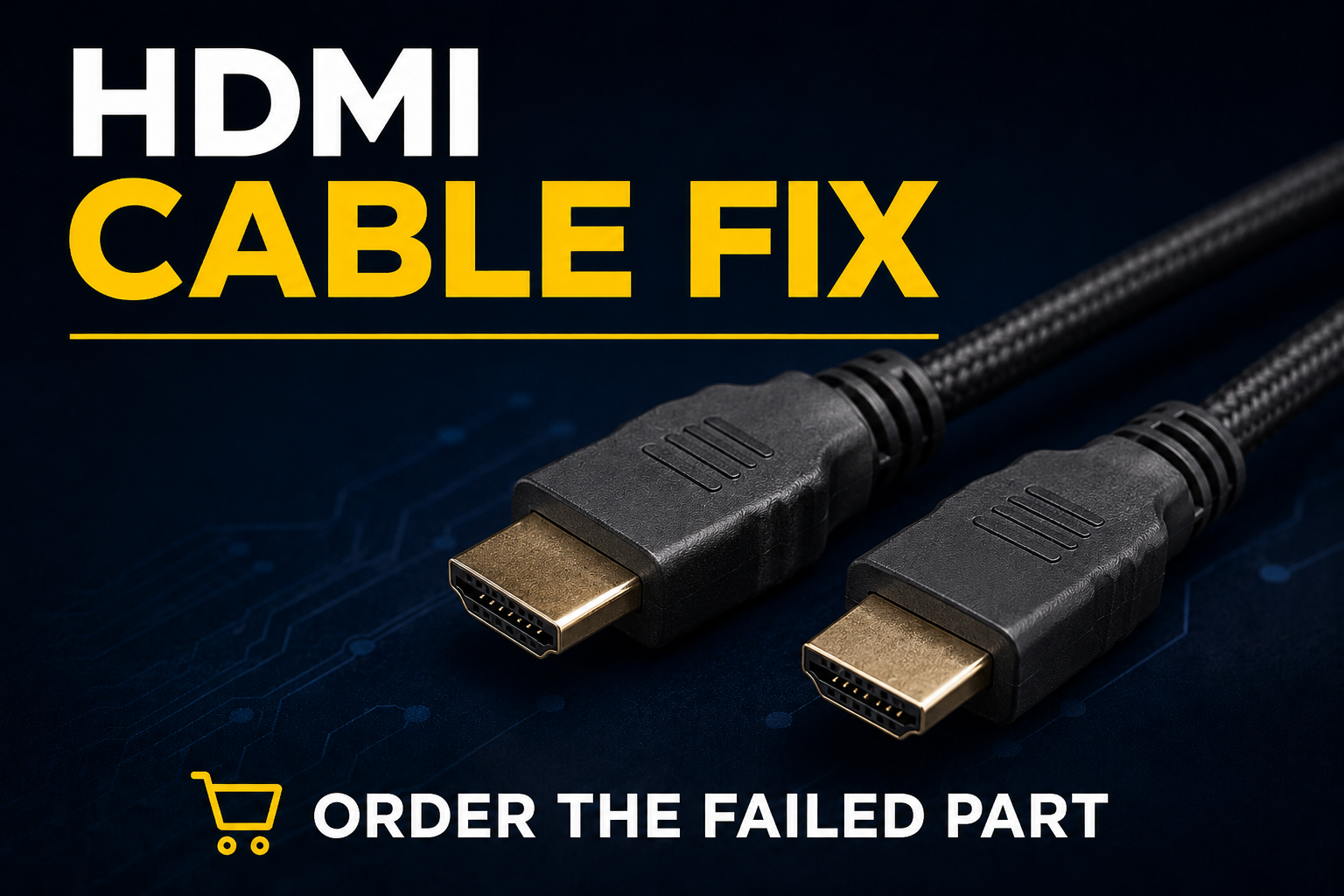
Don’t Guess With Your Money
Check the simple cable failure before buying bigger parts.
When the HDMI Cable Is the Right First Fix
Start With the HDMI Cable
If the problem is no signal, flicker, black screen, or picture dropouts, this is the lowest-cost fix path before replacing larger equipment.
Order / Check HDMI Cable Ask Bobby FirstIf HDMI Is Not the Problem
If the cable checks out, use the full TV Streaming Fix page to check the streaming device, WiFi booster, router, and surge protection path.
Go to TV Streaming Fix Back to Home PageFix It Fast With Bobby helps people buy the right fix when the problem proves it.
As an Amazon Associate, I earn from qualifying purchases at no extra cost to you. Product prices, availability, ratings, and reviews can change.