Phone Not Charging on the Pad?
Do not keep buying random wireless chargers. Pick the right charging path for iPhone or Android before you waste money.
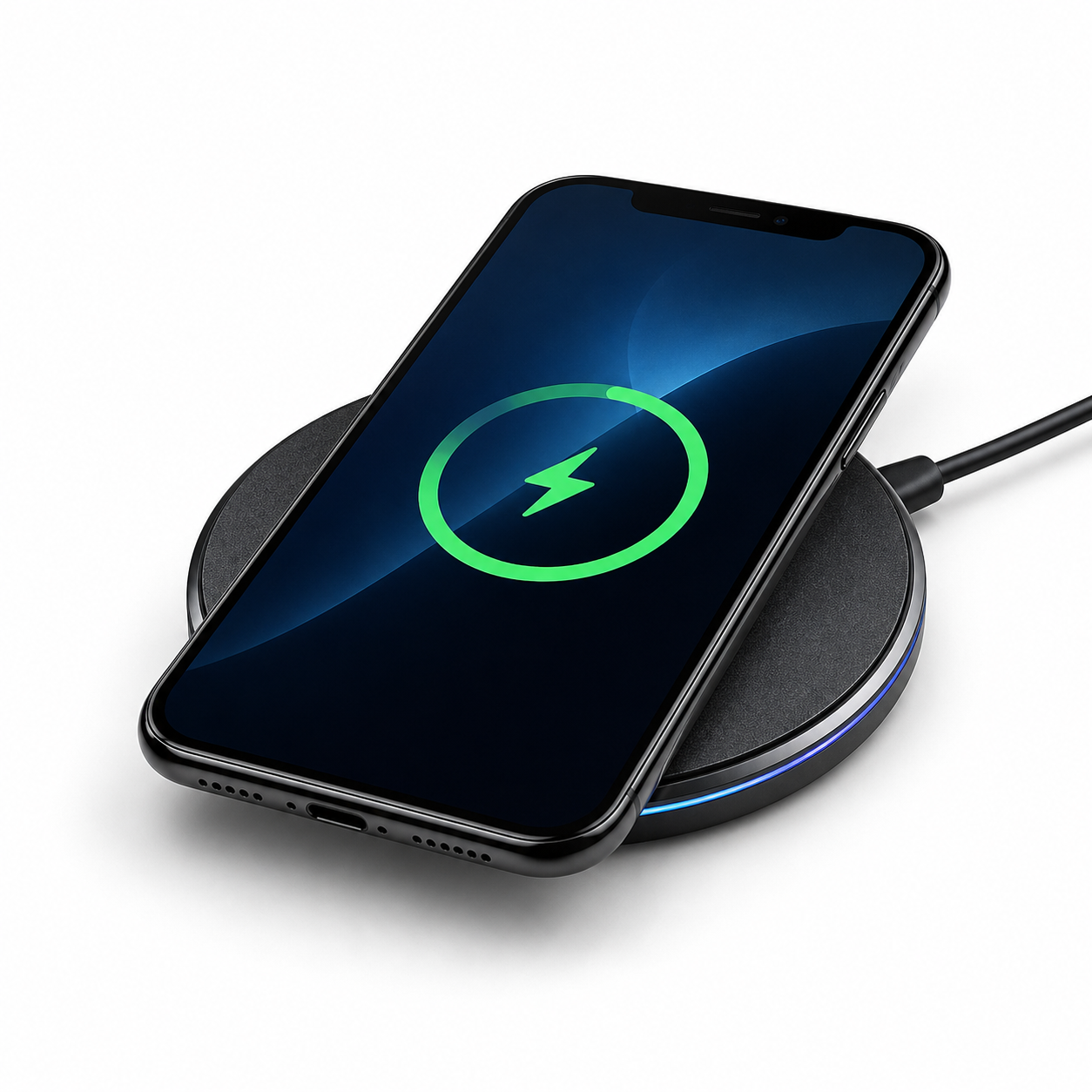
One Problem. Two Correct Fix Paths.
iPhone buyers go MagSafe/Qi2. Android buyers go Samsung/Android Qi-compatible.
STOP — Wrong Charger = Slow Charging
If your phone charges for a few seconds, gets hot, disconnects, or barely moves the battery percentage, the charger may not match your phone, case, or wall adapter.
Pick the Phone You Use
This keeps the buying decision simple and stops the wrong charger mistake.
iPhone / MagSafe / Qi2 Charger Fix
If you use an iPhone, the big mistake is buying a weak flat pad when a magnetic charger gives better alignment.
- Best path for iPhone wireless charging
- Better alignment than cheap flat pads
- Right choice when charging starts and stops
- Use the proper wall adapter for best performance
Android Wireless Charger Fix
If you use Samsung, Google Pixel, or another Android phone, match the charger to Android wireless charging support.
- Best path for Samsung and Android phones
- Qi-compatible wireless charging path
- Good fix for nightstand or desk charging
- Use the correct power brick with the charger
Check These Before You Buy
Most wireless charging failures come from one of these simple problems.
1. Phone Type
iPhone and Android buyers should not follow the exact same charger path. Start with the phone first.
2. Phone Case
Thick cases, wallet cases, metal plates, pop sockets, and uneven cases can block or weaken wireless charging.
3. Power Adapter
A good wireless charger can still charge slowly if the wall adapter is weak. The pad and power brick both matter.
Signs You Bought the Wrong Wireless Charger
Charging Starts, Then Stops
This usually points to poor alignment, case interference, a weak charger, or a charger that does not match your phone well.
Phone Gets Hot
Heat can come from bad alignment, a thick case, a poor-quality charger, or a charger that is not right for the phone.
Battery Barely Moves
If the phone sits on the pad for an hour and barely charges, the charger or wall adapter may be underpowered.
Works Only Without the Case
If it only charges with the case removed, the case is blocking the connection. The charger is not the only problem.
This Is Where People Buy the Wrong Fix
They blame the phone first. Then they buy another cheap charger. The smarter move is to match the charger to the phone, case, and wall adapter before buying.
Fast Buying Decision
Have an iPhone?
Start here. Magnetic alignment is the advantage that helps stop the sliding, missed-coil, starts-and-stops problem.
Fix iPhone Wireless ChargingHave Samsung or Android?
Start here. Android wireless charging needs the right Qi-compatible path and the right power setup.
Fix Android Wireless ChargingBobby’s Quick Check
Wireless Charger FAQ
Why does my phone stop charging on the wireless pad?
The most common causes are poor alignment, a thick case, weak power adapter, or a charger that is not a good match for the phone.
Should I buy an iPhone wireless charger or an Android wireless charger?
Buy based on the phone you use. iPhone buyers should start with the iPhone/MagSafe-style path. Android buyers should start with the Samsung/Android Qi-compatible path.
Can my phone case block wireless charging?
Yes. Thick cases, wallet cases, metal plates, grip accessories, and uneven case designs can weaken or block wireless charging.
Why is wireless charging slower than my cable?
Wireless charging can be slower if the charger is underpowered, the phone is misaligned, the case is too thick, or the wall adapter is too weak.